For a first upload, use the Avatar Dynamics Robot sample included with the VRChat SDK. For a character you intend to customize, browse creator-authorized BOOTH listings and check the exact package, platform and license. This guide includes a specific paid listing example; it does not host avatar files.
VRChat avatars: start with the package you actually need
A VRChat avatar model download can mean a prepared Unity package, a rigged character mesh, clothing for an existing avatar, or a VRM meant for another application. These packages serve different purposes. For your first upload, start with the official SDK sample. For a distinctive character, choose a creator-authorized listing that identifies the avatar base, supported platform and required dependencies.
Choose a setup test, a character creator or a complete package
| What you need | Start here | What still needs doing |
|---|---|---|
| Check whether your project can build | Avatar Dynamics Robot in the official SDK | Follow the supported Unity/SDK setup. This is an example, not a catalog of characters. |
| Create your own character | The creation systems linked by VRChat’s official guide | Confirm how the chosen system delivers a VRChat-compatible rig and package; a VRM file alone is not the final upload. |
| Customize a creator’s complete avatar | A licensed BOOTH package such as Kipfel | Check base-avatar cost, required shaders, package version, platform and permissions before purchase. |
The SDK route lets you separate a project problem from an asset problem before spending money. The paid example below is a source check, not a claim that it is the best-performing or cheapest avatar.
Test the upload workflow with the SDK robot
The official first-avatar guide recommends trying the built-in example before importing your own model. Create an avatar project using the Creator Companion, open it in the supported Unity version, then choose VRChat SDK → Samples → Avatar Dynamics Robot Avatar.
Use the robot to check the SDK setup and follow the official build steps. It is not a resale catalog licensed by this site.
For custom uploads through Unity, the checked documentation requires a VRChat account with New User rank or above. It also says local build/testing is available before upload permission. Buying a character will not solve an account-permission problem.
BOOTH: distinguish an avatar from its accessories
BOOTH’s VRChat search includes complete avatars alongside clothing, textures, accessories and utilities. Read the item type before buying. A dress labeled for a named avatar may require that base avatar as a separate purchase.
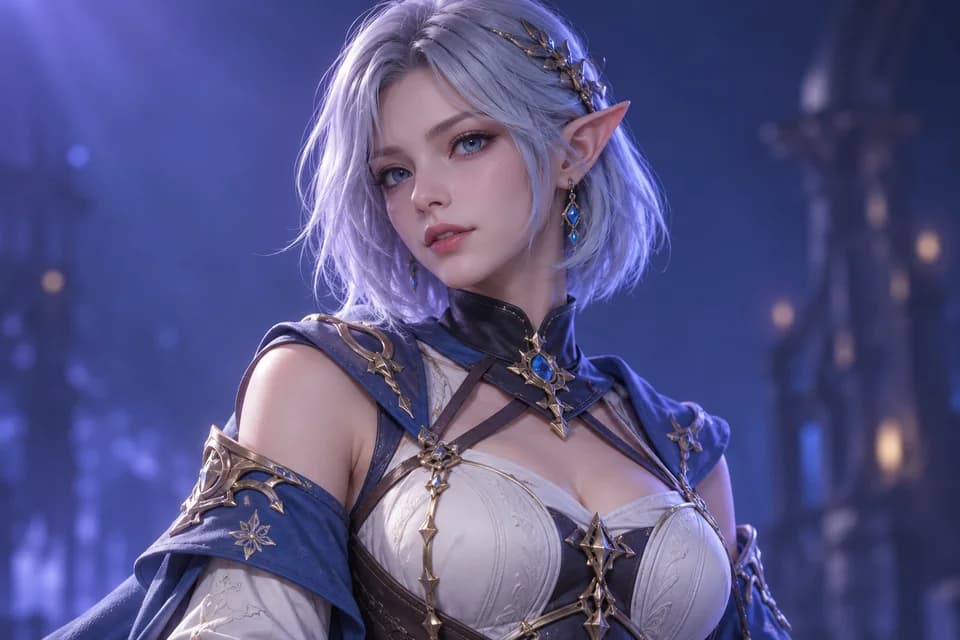
One complete paid package is Kipfel, sold by MOCHIYAMA KINGYO. The checked listing names UnityPackage, FBX, Blender and texture files, describes PC and Mobile versions, and links to an English setup manual and license agreement. Use that file list to decide whether the package fits your workflow.
We checked the listing on October 21, 2026; we have not imported or tested the package. The listing also reports a Very Poor performance rank in its model information. Read the instructions for the particular PC or Mobile package and verify the result in the SDK; “supports Mobile” does not mean every included shader or configuration works unchanged everywhere.
Use the creator’s linked store to preserve the source and license trail. Purchase does not automatically permit source redistribution or public-avatar use.
Prefer building a character from scratch?
The official avatar guide also links to avatar creation systems and VRoid Studio. Follow each system’s delivery instructions. A character created for a VRM workflow is not automatically a ready-to-upload VRChat Unity package.
For mesh changes, Blender can help with editing. Start with an authorized, rigged source and preserve a copy before changing the mesh. Changing geometry can affect skin weights and clothing fit.
Five checks before downloading VRChat avatars
- Package: complete avatar, base mesh, clothing or texture-only product? Check required base purchases and dependencies.
- Platform: is the character supplied for PC, Mobile or as separate packages? Read the creator’s current instructions and VRChat’s performance documentation.
- Rig and expressions: does the package include the setup you need, or will you need to rig and configure it?
- Permissions: distinguish personal use, modification, streaming, commercial activity, public avatars and source redistribution. Use the creator’s terms, not the word “download.”
- Support: keep the receipt, source URL, package version and license. Import into a fresh project before modifying an existing avatar project.
For general scene assets rather than VRChat avatars, use our free 3D model sources. For file confusion, the STL, OBJ and GLB guide explains what mesh containers do and do not preserve.
A manageable first upload
Use the SDK robot to establish that the project builds. Then choose either a supported avatar creator or a complete creator-authored package. Starting with an arbitrary unrigged download adds several separate problems before you have verified the upload workflow.
Can STL files contain complete VRChat avatars?
No. STL supplies a triangle surface, without the rig, materials and avatar setup required for a complete character. Our STL tools inspect printable surfaces; they cannot validate an avatar package.
Can I redistribute free VRChat avatars?
Only if the creator’s license permits it. A free download can still prohibit sharing source files or making the avatar public. Check those permissions before redistributing.
Research method & official sources
Initial source review . This page uses official documentation; later source checks and any executed file examples are dated and scoped in the text. We have not benchmarked AI generation quality or performed physical print tests.
- BOOTH VRChat listings ↗
- Kipfel creator listing ↗
- Creator license ↗
- VRChat first avatar guide ↗
- VRChat avatar performance ↗
Read our editorial and affiliate standards. Product recommendations do not depend on an affiliate relationship.