Home 3D Printing Tools: From Model to Physical Print
3D printing tools for modeling and slicing 5 documented options Choose for the stage that needs work: create geometry, measure the export, then slice for a specific printer. A successful preview does not replace layer inspection.
Tinkercad Modeling Combine basic shapes in a browser before exporting a model.
Use Tinkercad for a first nameplate, spacer or basic enclosure.
Less suitable than a dedicated CAD or mesh editor for complex designs and detailed topology.
Free browser-based design application from Autodesk.
Web · Sources checked 2026-10-16 Details: formats & sources Input: Not independently confirmed
Output: STL, OBJ, GLTF
Official source 1 Official source 2 Free
Visit official website
Autodesk Fusion Modeling Define dimensions and constraints before preparing printer instructions.
Choose constraints when a part needs repeated measured revisions.
Personal-use access has eligibility and feature restrictions; it is not a general free commercial plan.
Paid commercial software. A limited personal-use option is available for eligible non-commercial users; verify eligibility with Autodesk.
Windows · macOS · Sources checked 2026-10-16 Details: formats & sources Input: Not independently confirmed
Output: STL, OBJ, 3MF, STEP, F3D
Official source 1 Official source 2 Paid
Visit official website
UltiMaker Cura 3D Printing Turn a suitable mesh into instructions for a compatible printer.
Use a maintained profile for your machine and inspect the layers.
Use a profile for your exact printer; slicing cannot guarantee a successful physical print.
The Cura desktop slicer is free and open source. Separate UltiMaker services may have different terms.
Windows · macOS · Linux · Sources checked 2026-10-16 Details: formats & sources Input: Not independently confirmed
Output: G-code
Official source 1 Official source 2 Free
Visit official website
PrusaSlicer 3D Printing Slice a model, or divide it using planar cuts and connector options.
A planar cut can be enough when an object exceeds the available build space.
Printer compatibility and process settings matter more than simply choosing a slicer.
Free and open source.
Windows · macOS · Linux · Sources checked 2026-10-16 Details: formats & sources Input: STL, OBJ, 3MF
Output: G-code, 3MF
Official source 1 Official source 2 Free
Visit official website
Bambu Studio 3D Printing Prepare a print project with machine and material settings.
Check compatibility and the prepared project before starting a print.
Printer integration features depend on the device and connection mode.
Free, open-source desktop slicer; printers and materials are purchased separately.
Windows · macOS · Linux · Sources checked 2026-10-16 Details: formats & sources Input: Not independently confirmed
Output: Not independently confirmed; check the current app or listing
Official source 1 Official source 2 Free
Visit official website
Learn how to use 3D printing tools Buying Guide 3D Printing
Compare 3D printing software: Blender for organic meshes, Fusion for precise parts and Tinkercad for beginner projects.
Guide 3D Modeling
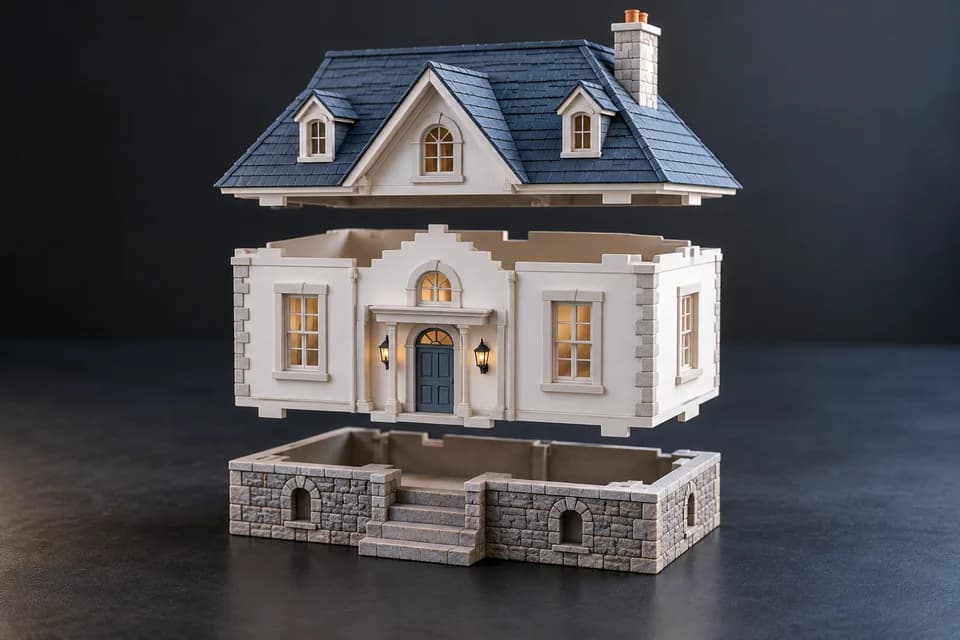
Follow a model splitting exercise in PrusaSlicer, retain both cut objects and verify their dimensions before adding assembly joints.
Guide 3D Printing
Convert a closed SVG outline into a solid in Blender, export STL and check dimensions with a downloadable 60 × 40 × 3 mm example.
Guide AI 3D
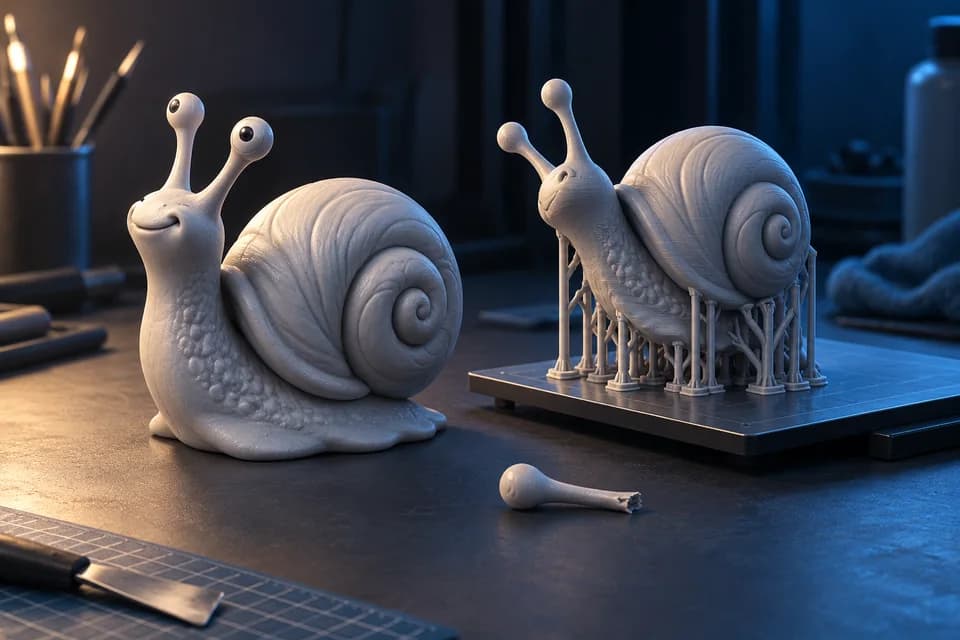
Check geometry, scale, wall thickness, supports and licensing before taking a Meshy-generated model into a 3D printer.
Collection 3D Printing
Compare STL websites including Printables, Thingiverse and MakerWorld, with checks for licenses, assembly notes, printer profiles and fit.
Choose a slicer around your printer Start with a maintained machine profile. These are documented setup differences, not print-quality rankings.
Source check: October 21, 2026. Installing a profile does not verify calibration, dimensional fit or material strength.
Put 3D printing tools in the right order Find or create Choose a model and check its rights. Inspect and measure Confirm geometry and unit interpretation. Slice and review Use your printer’s profile and inspect the layers. Check your model’s dimensions → Your next 3D project starts with a better next step. Discover 3D tools, model resources and practical workflow guides.
Explore the Guides