Guide3D Printing
How to Convert an Image to STL
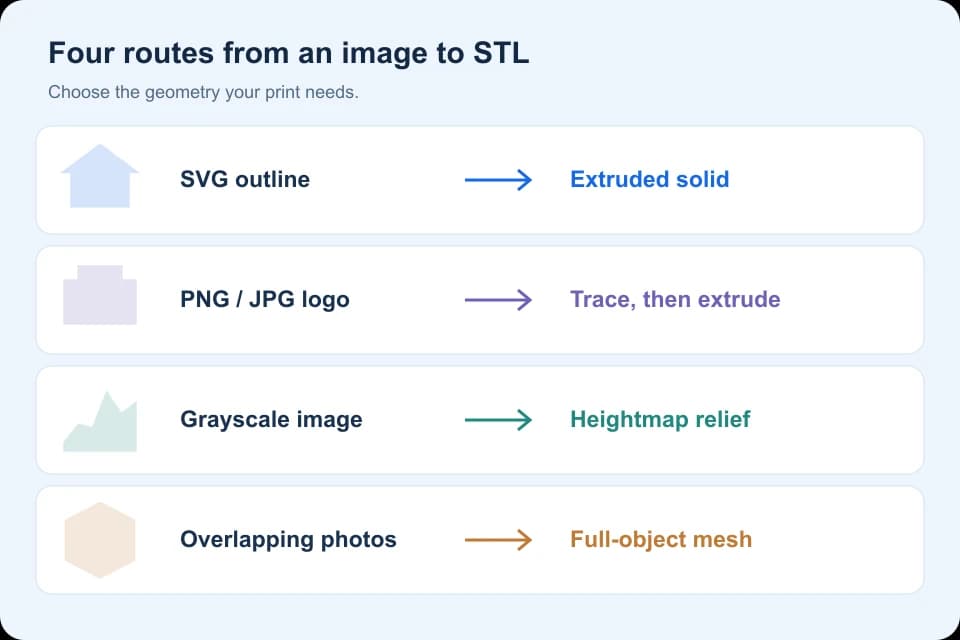
Choose an image-to-STL workflow for PNG, JPG or SVG: trace and extrude an outline, create a grayscale relief, or reconstruct an object from photos.
LEARN THE NEXT THING YOU NEED
Work through one task at a time: extrude an outline, reconstruct photographs, cut a mesh or prepare an export.
Choose your next task
Start with the input you have: a closed outline, overlapping photographs or an existing mesh. Each guide identifies its prerequisites, expected output and verification limits.
Choose an image-to-STL workflow for PNG, JPG or SVG: trace and extrude an outline, create a grayscale relief, or reconstruct an object from photos.
Convert a closed SVG outline into a solid in Blender, export STL and check dimensions with a downloadable 60 × 40 × 3 mm example.
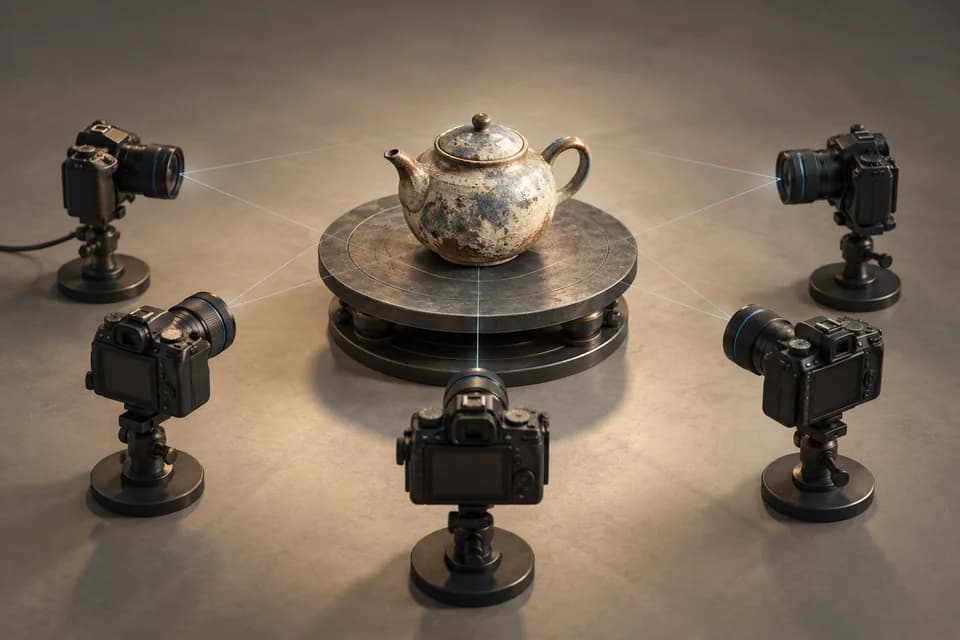
Follow a photo-to-3D workflow in Meshroom. Check hardware support, camera alignment, textures and scale before retrieving the finished mesh.
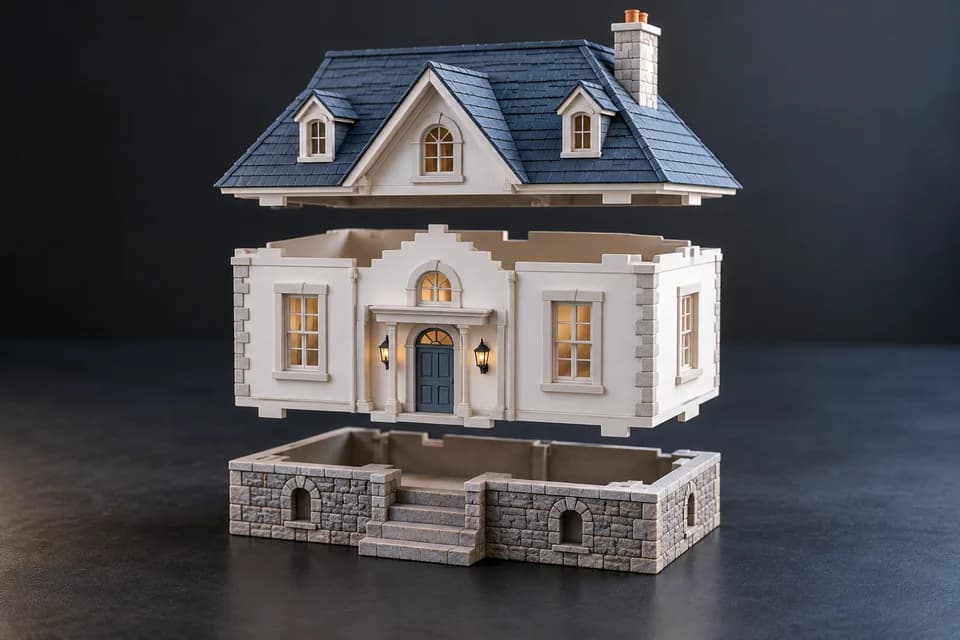
Follow a model splitting exercise in PrusaSlicer, retain both cut objects and verify their dimensions before adding assembly joints.
Check geometry, scale, wall thickness, supports and licensing before taking a Meshy-generated model into a 3D printer.
Understand geometry, textures, scene data and unit limitations so you can choose an export format for printing, editing or web delivery.
Discover 3D tools, model resources and practical workflow guides.