Meshy
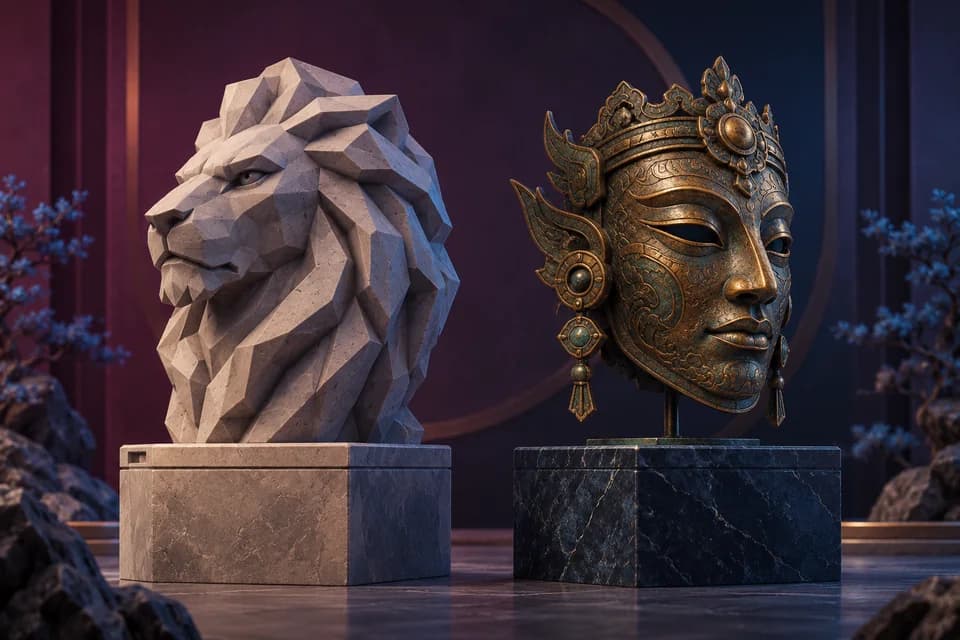
AI 3DMeshy creates starting geometry from text or images.
Read the review for free attribution terms and paid privacy considerations.
Free + paidRead review
Visit official website FROM AN IDEA TO A STARTING MESH
Explore text and image workflows, then compare licensing, editing and exports for the asset you need.
Browse the software
Browse by input and the work you need after generation. Use the comparisons below for licensing and delivery choices; a gallery image cannot establish topology or printability.
Meshy creates starting geometry from text or images.
Read the review for free attribution terms and paid privacy considerations.
Tripo combines generation with documented part-editing controls.
Compare its paid workflow when you need to separate and move components.
Rodin accepts optional reference views of the same subject.
Compare the published Creator and Business terms before confirming credit spend.
Choose among Meshy, Tripo and Rodin by free commercial rights, part editing, multiview input and the exports your project needs.
Compare Meshy’s free commercial-use terms with Tripo’s paid editing tools, then check privacy, export access and the work your asset needs.
Compare Meshy’s free attribution terms with Rodin’s published Creator pricing, multi-view input, private assets and export conditions.
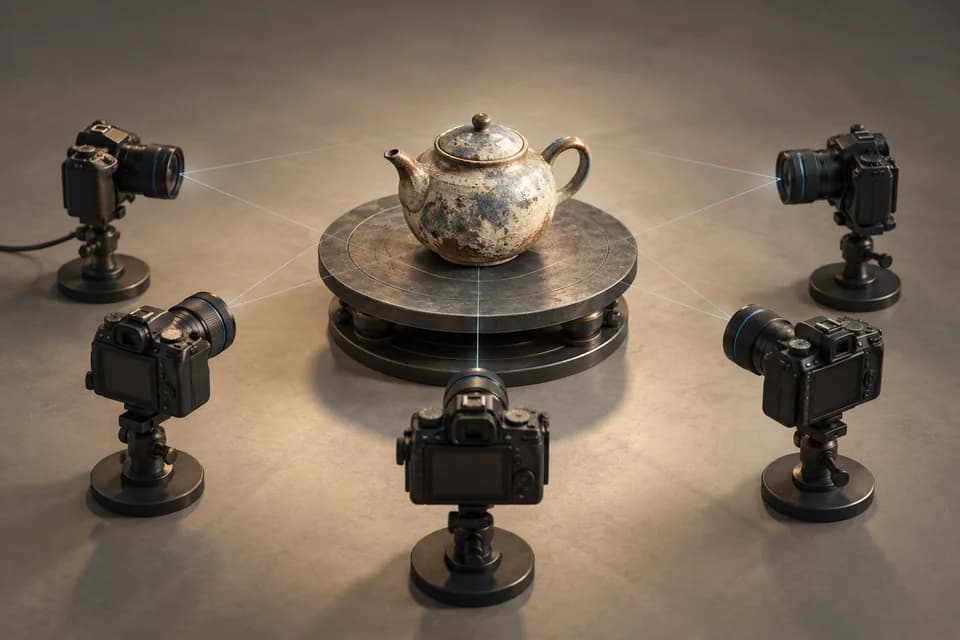
Follow a photo-to-3D workflow in Meshroom. Check hardware support, camera alignment, textures and scale before retrieving the finished mesh.
Check geometry, scale, wall thickness, supports and licensing before taking a Meshy-generated model into a 3D printer.
Discover 3D tools, model resources and practical workflow guides.