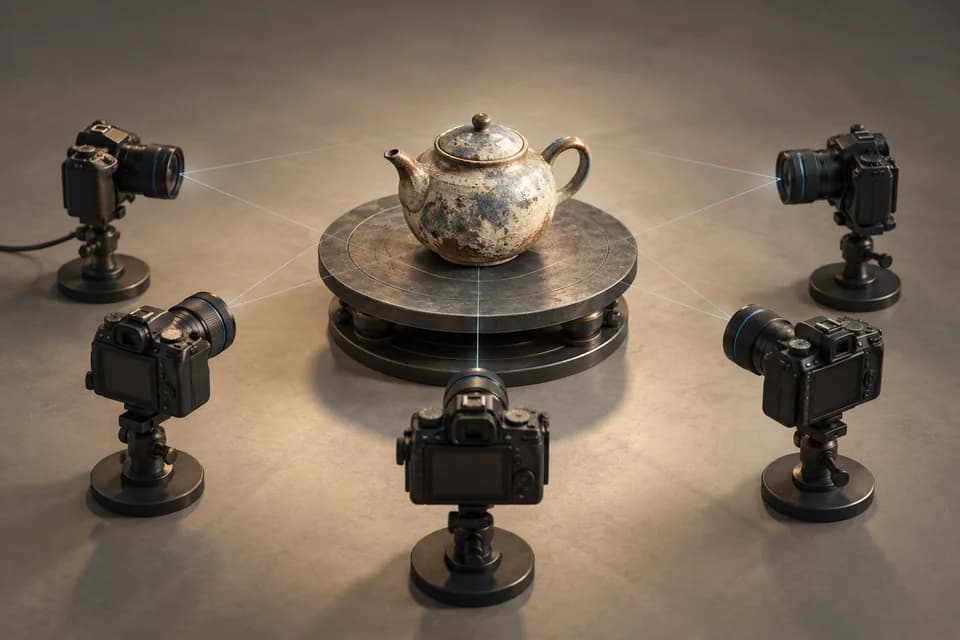
Tripo is a candidate for turning a concept or reference image into a mesh you can evaluate. Its useful result is the asset you can export and edit, not just the appearance of a generated preview.


Tripo AI at a glance
Free + paid- Core use
- Explore text- and image-led AI 3D asset creation.
- Pricing
- Free and paid tiers. The checked free plan is public and non-commercial with limited exports; paid plans list private models and commercial use. Confirm current terms.
- Supported file formats
- Input: Text, Image. Export: STL, 3MF, OBJ, GLB, FBX, USD.
- Platform
- Web
Tripo review: judge the editing path after generation
Tripo describes a browser-based text-to-3D and image-to-3D workflow. Its official site also presents mesh, texturing and rigging features. We treat those as documented capabilities, not as evidence that every generated asset will be ready for a game engine or printer.
This Tripo review uses official documentation. We have not purchased a plan or run a controlled export comparison; the recommendations identify what to test in a small pilot.
Who should consider Tripo?
Tripo is worth evaluating if you already know what a successful asset looks like: a background prop with a recognizable silhouette, a character concept you will retopologize, or a first shape for a larger scene. It is harder to evaluate if your only criterion is that the preview looks impressive.
Beginners can use generation to explore ideas, but still need a basic understanding of scale, file formats and the difference between a texture and a surface. A technical artist should additionally inspect UVs, material assignments, object hierarchy and any rig required by the downstream pipeline.
Check Tripo inputs and generated rigs
An image provides visual direction; text describes the intended subject. Neither input guarantees a faithful unseen side. Tripo’s site lists several export routes, including formats used for printing and game assets. Availability and options can depend on the selected workflow and plan, so verify the actual download dialog before subscribing.
A Tripo rig also needs testing. Move the joints through the motions your application requires and inspect the result. The presence of bones is not the same as acceptable deformation.
Tripo segmentation and handoff: reasons to evaluate a paid plan
The Tripo plan table lists smart segmentation, part-based transforms, retopology, texture edits and a DCC bridge. For a prop with a removable lid, the useful question is whether you can isolate and adjust that lid, then deliver the result to your target application. Those are documented controls; we have not measured how well they work on a particular generated model.
The free plan is explicitly public and non-commercial, with limited exports. Paid plans list private models and commercial use. Investigate the applicable paid entitlement when the job is commercial or depends on the advanced editing toolkit; do not infer the rights from a free preview.
A documented Free versus Pro decision
The official pricing table checked on October 21, 2026 lists these differences. This is a plan snapshot, not an export test:
| Condition | Free | Pro |
|---|---|---|
| Output rights | Public models; non-commercial use | Private models; commercial use |
| Monthly credits | 200 | 3,000 |
| Exports and handoff | Limited exports | Unlimited batch exports and DCC bridge listed |
| Editing scope | Essential toolkit, including retopology | Advanced toolkit, including smart segmentation |
| Price shown with annual billing | $0 | US$20/month equivalent, billed US$240/year |
The annual equivalent is not a monthly-payment quote. “Unlimited batch exports” does not mean unlimited generation credits, and this table does not establish every file format’s availability in every mode. For a commercial job, the free plan fails the rights requirement before output quality enters the decision. See the official plan table for the applicable checkout and terms.
Inspect Tripo exports in their destination: geometry without textures for a print, materials and shaders inside the target project for a game.
What would make the lid example a usable deliverable?
Before testing segmentation, decide what must survive delivery. For the removable-lid prop, the following checks separate a useful part edit from a convincing turntable:
| Check | Acceptable result for this brief | Why it changes the decision |
|---|---|---|
| Part selection | The lid can be selected and moved without dragging the container’s side wall. | A merged lid still needs manual mesh work. |
| Hidden surfaces | The revealed underside and rim have the surfaces your scene needs. | Separating a painted boundary can expose missing geometry. |
| Delivery | The destination application retains separate parts and the intended materials. | Editing controls in the browser do not guarantee the exported hierarchy. |
| Revision | You can keep the original and repeat the useful change. | A successful one-off preview is difficult to build a pipeline around. |
These are acceptance criteria, not recorded results. A failed handoff is a reason to investigate the export mode or use a manual editor; it does not prove the underlying generator failed. We cannot estimate saved editing time without a real exported file and the target application.
Choose between generation, mesh editing and CAD
For an early prop, make a short list of requirements: approximate silhouette, one intended material workflow and a maximum cleanup effort. Use the Meshy vs Tripo comparison to check the licensing difference before testing the same reference. If you need exact revisions or a measured fit, build the part in modeling or CAD software instead.
Blender remains useful after generation for inspection and editing. An AI service and a mesh editor often complement each other; they do not need to be mutually exclusive purchases.
When paying for Tripo makes sense
Investigate paid Tripo when segmentation, part editing or a supported DCC bridge could remove a specific manual handoff. Start with a small commercial pilot rather than committing a large asset library. If the goal is only an attribution-compatible free commercial experiment, Meshy’s published free terms make it the more relevant first candidate.
For exact mechanical dimensions, choose modeling or CAD software instead. For a wider reference-led shortlist, see the AI generator guide.
FAQ
Can Tripo replace manual modeling?
For some early concepts it can supply a starting shape. Exact control, production topology and task-specific validation still need a deliberate workflow.
Can I use Tripo commercially?
The checked pricing page marks the free plan as public and non-commercial, while paid plans list private models and commercial use. Check the current plan terms and your rights to the input image. Tool permission does not clear another person’s character, trademark or copyrighted artwork.
Research method & official sources
Initial source review . This page uses official documentation; later source checks and any executed file examples are dated and scoped in the text. We have not benchmarked AI generation quality or performed physical print tests.
Read our editorial and affiliate standards. Product recommendations do not depend on an affiliate relationship.