Use Blender for organic meshes and Fusion for dimension-driven parts. Both need a checked export and sliced-layer inspection before printing.
| Decision | Blender | Autodesk Fusion |
|---|---|---|
| Organic shape | Mesh editing and sculpting suit silhouettes and local surface changes. | Evaluate when the form is better expressed through CAD features. |
| Hole spacing or clearance | Requires a disciplined mesh and measurement workflow. | Dimensions and constraints can preserve the intended relationship. |
| Later revisions | Keep the source scene, modifiers and editable geometry. | Keep the source design, parameters and feature history. |
| License | Free and open source; imported assets retain their own terms. | Commercial software with a limited personal-use option for qualifying users. |
| Printing handoff | Export and inspect scale, geometry and sliced layers. | Check tessellation, exported dimensions and sliced layers. |


Documented conditions: Blender official terms ↗ Autodesk Fusion official terms ↗ Feature access does not establish output quality.
Blender vs Fusion: choose by the next revision
Blender gives direct control over vertices, edges and faces, alongside sculpting and modifiers. Fusion’s parametric CAD workflow emphasizes dimensions, constraints and design history. Choose the editing method that matches the changes you expect to make.
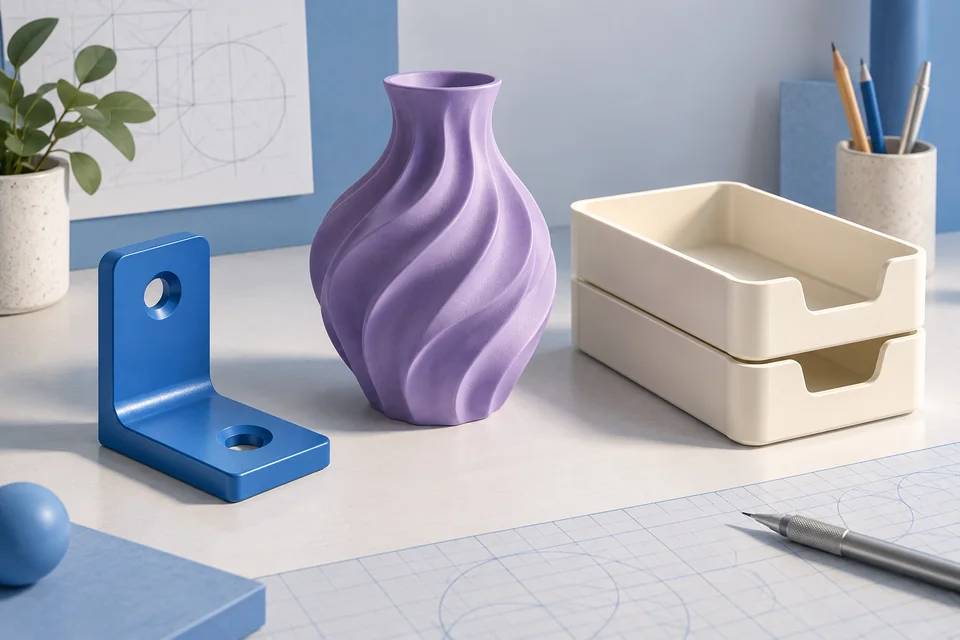
A bracket’s hole spacing and a creature’s cheek are different revision problems. The former benefits from constraints that preserve hole diameter while positions move; the latter benefits from local surface edits. This comparison uses documentation and suggested exercises, not timed performance tests.
Hole spacing or a surface silhouette?
For organic forms, scene assets and existing meshes, start by evaluating Blender. For mechanical parts and assemblies, evaluate Fusion. Both can work outside these categories, but the most direct route matters more than the longest feature list.
For a bracket exercise, write down the hole diameter and spacing, change only the spacing, then check whether the diameter and outer dimensions stayed fixed. For a creature, change one cheek while preserving the other features. These are selection exercises; we have not executed or timed them here.
Free access has different meanings
Blender is free and open source. Fusion is commercial software with a limited personal-use option. Personal-use access depends on eligibility and restrictions; it is not a blanket business license.
Learning takes time in either application. Blender spans many creative disciplines; Fusion asks you to learn constraints and history. The Blender review suggests a focused starting exercise rather than a tour of the entire interface.
Keep the source project when exporting
An STL is a triangle surface. It does not preserve Blender modifiers or Fusion’s feature history. Keep the original project so a later design change does not start from a flattened mesh.
In Blender, inspect topology, scale and closed surfaces. In Fusion, check whether export tessellation preserves the curves you need. Reopen and measure the export using its intended unit convention. The format guide explains why STL coordinates do not reliably declare physical units.
Confirm the file route before choosing the modeler
Autodesk’s format reference, checked October 21, 2026, lists STL, OBJ, 3MF, STEP and F3D among personal-use formats. Keep the F3D design for editable CAD work; a triangle export does not carry the original feature history. This documented access does not waive the personal-use eligibility conditions.
For Blender, our SVG extrusion example now includes an actual STL export and reimport from version 4.5.9 LTS, preserving 60 × 40 × 3 bounds. That narrow check establishes the file route for the exercise. It does not compare CAD revision speed, and we have not executed the same task in Fusion.
Imported assets bring separate constraints
Ordinary artwork made in Blender does not inherit its software license; downloaded meshes and textures retain their own terms. Fusion access depends on your subscription or eligibility. Software access and asset rights are separate decisions.
Dense scans can be awkward in either application. Blender offers direct mesh edits, but reducing triangles can change the surface. Importing a scan into Fusion does not automatically turn it into a clean parametric design. Evaluate the source geometry you have, not only the finished object you want.
Which is a sensible first route for printing?
For an organic figurine or repeated mesh edits, Blender is a strong candidate. For a fitted enclosure with controlled dimensions, evaluate Fusion. A workshop may use both. For a simple first nameplate, consider Tinkercad and other modeling choices.
Neither application determines print quality alone. Suitable geometry, a checked export, layer inspection, printer calibration and material behavior all matter. A handoff between the two also requires supported formats; transferring a surface does not transfer constraints or modifiers.
Research method & official sources
Initial source review . This page uses official documentation; later source checks and any executed file examples are dated and scoped in the text. We have not benchmarked AI generation quality or performed physical print tests.
Read our editorial and affiliate standards. Product recommendations do not depend on an affiliate relationship.